You can now edit the Shopify robots.txt file
One complaint shared by many Shopify users is their inability to edit the robots.txt file. This inflexibility, alongside other quirks such as a bloated internal linking structure with an endless number of canonicals in place, has plagued SEOs since Shopify's conception.
However, without much fanfare, Shopify have released documentation that specifies how to alter the previously uneditable robots.txt file.
Sure enough, searching through the documentation on Shopify reveals the following page:
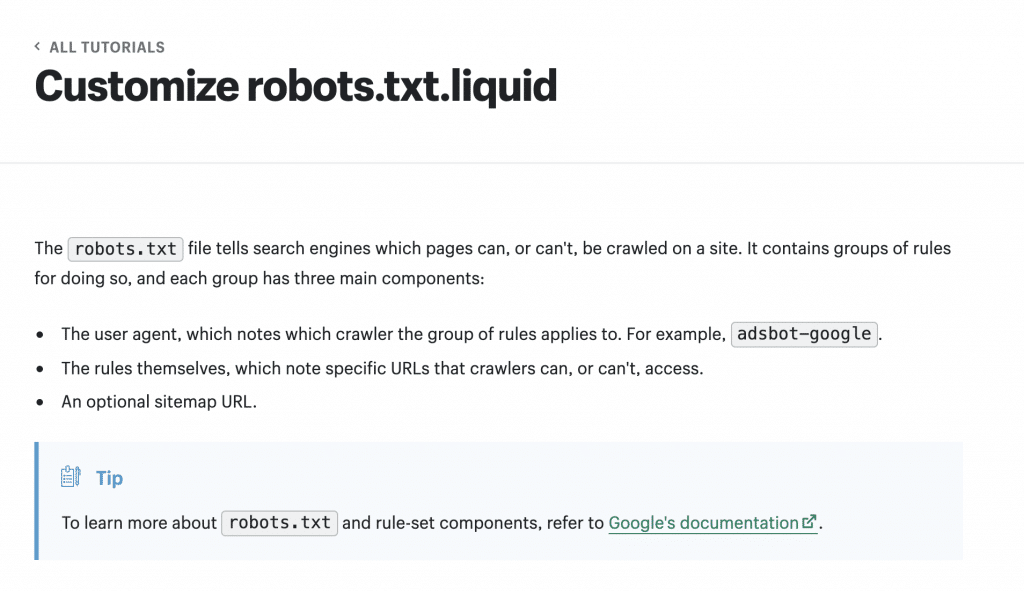
The documentation provides examples for how to:
- Add new rules to the robots.txt fileRemove existing rulesBlock certain crawlersAdd additional sitemaps
Robots.txt changes are made by adding the robots.txt.liquid file to your theme.
This adjustment to Shopify's functionality is excellent news for SEOs finding that the default robots.txt rules were not sufficient to control search engine crawler behaviour.
Read more about Shopify's 'Customize robots.txt' functionality here: https://shopify.dev/tutorials/customize-theme-customize-robots-txt-liquid
About the Author

Sam Penny

